

A restaurant advertises its lunch offer on screens in the neighbourhood. After four weeks, the owner wants to know: have more guests come as a result? The number of spots played does not answer this question; it only shows that the advertising has run. To capture the reactions to it, the business needs a suitable measurement method.
What Should the Screen Advertising Achieve?
Before you collect figures, define what your advertising is actually meant to achieve. A new shop may first want to make its name and location known. A hair salon wants to receive appointment bookings, a restaurant wants to win guests for a particular offer.
This results in different benchmarks:
- Awareness: Do more people know the business? Surveys can provide indications here, because pure playout figures do not yet prove this.
- Enquiries: How many contacts or bookings can be attributed to the campaign?
- Purchases and visits: How often was the advertised offer actually used?
When planning a campaign with PanoTV, the actual advertising goal is always discussed in advance. A concrete offer with a booking option has to be evaluated differently from an ad that is meant to make the company’s name known.
What Do Played Spots and Visual Contacts Tell You?
The playout data documents when and how often an advertising spot ran on a screen. Initially, this only allows you to check whether the agreed playout took place. However, it says nothing about how many people watched attentively or even took up the offer.
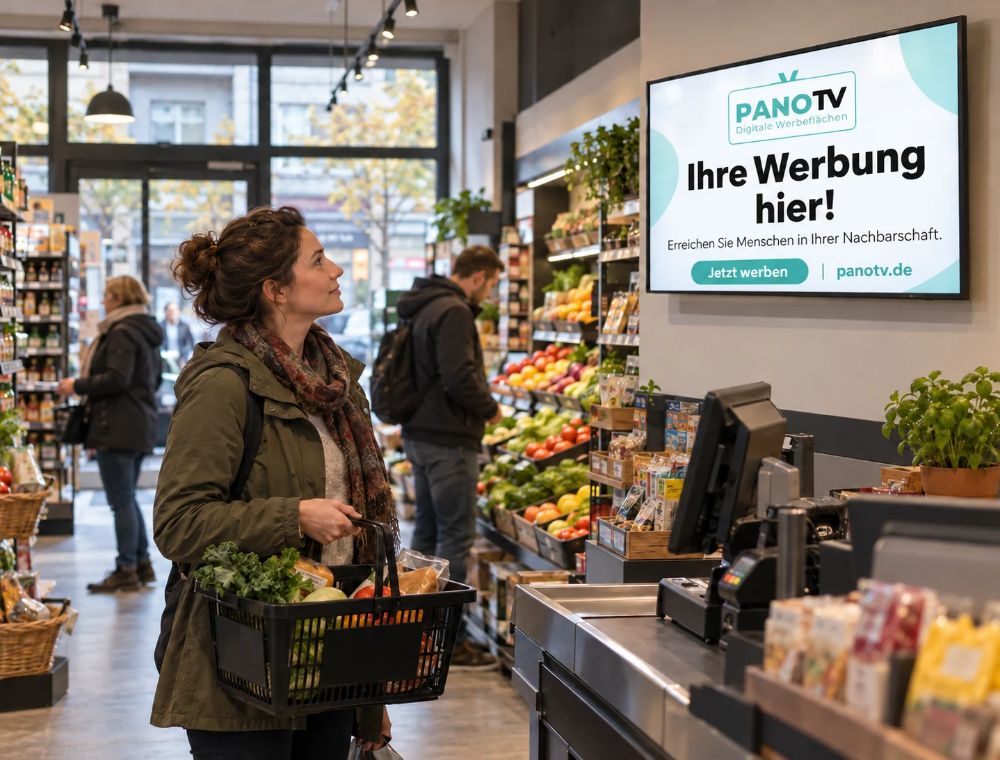
Likewise, the number of visitors to a supermarket does not automatically equal the reach of an ad, because not every customer looks at the screen while shopping. Customers who regularly shop in a store or visit a café also potentially see the advertising more often, which makes it correspondingly more lasting.
How Can Website Visits and Enquiries Be Recorded Specifically?
Whether someone visits the website or gets in touch after seeing your advertising, buys something or books an appointment can be recorded in various ways. Dedicated links help to attribute digital visits. For enquiries by phone or in the shop, you can ask directly how the person became aware of your offer.
Tracking Option 1: Use Dedicated Links and QR Codes
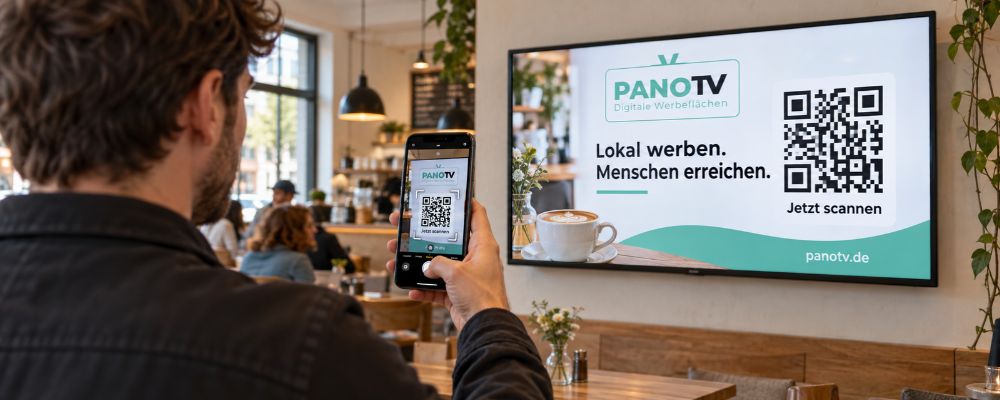
A QR code on the display takes interested people directly to an offer page or appointment booking. Use a link for this that is used exclusively in the screen campaign. This way you can record the resulting visits separately, provided your web analytics is set up accordingly.
With different links, you can also tell locations or ad designs apart and run A/B tests. One QR code for the supermarket and another for the café show, for example, where the recorded visits come from.
What happens afterwards is much more important, however. A large number of visits brings little if the landing page does not convince or the booking form does not work. So also look at the enquiries sent and the bookings completed.
Tracking Option 2: Ask When Customers Get in Touch
Not every customer scans a code. Some may remember a name or an address and call later or drop by in person. So briefly ask with new enquiries: “How did you find us?” Record the answers consistently, for example with the options “Screen advertising”, “Google”, “Recommendation” or “Other”.
How Can Shops Attribute Purchases and Visits?
For advertising on-site offers, a promotional code set up specifically for this purpose is suitable. The restaurant could advertise a lunch menu on the screen and ask guests to mention a particular code when ordering. The staff then record how often it was used.
A good incentive for this is a small discount that guests then receive when booking with the promotional code. An offer that can only be booked through the campaign also makes attribution easier.
However, the redemption of this code initially only shows that someone used the offer. The guest could already have been a regular customer beforehand or have received the code from an acquaintance. If your main aim is to win new customers, you should also record whether the person is buying from you for the first time.
How Do You Evaluate a Campaign Sensibly?
Before the campaign starts, decide which results you will document. Afterwards, it is often no longer possible to reliably reconstruct where the enquiries actually came from.
These steps help with a meaningful evaluation:
- Record baseline values: How many enquiries or bookings do you currently receive per week?
- Set the duration: Record results over a previously defined period.
- Allocate costs: In addition to the placement, also take into account the creation of the ad design.
- Note other influences: Holidays, price changes or promotions running in parallel change the result.
From the campaign costs and the enquiries that can be attributed, you can calculate the cost per enquiry. However, this does not yet say anything about profit: for that, you need to know how many enquiries turned into paying customers and what revenue resulted. The results also help you adjust the PanoTV campaign while it is still running. Since all ads are controlled centrally, such adjustments are possible at any time without much effort.
PanoTV specialises in ethnic marketing and places digital advertising screens in supermarkets, cafés and cultural associations. Advertising companies reach people with a Turkish, Arabic or Kurdish background there in their everyday lives and can place offers right in the middle of these people’s world. The displays are set up at transparent prices in high-reach locations and controlled centrally.